Rest and workload
Fatigue and rest tracking for nurses on shifts.
AfterDuty looks at the shifts in your rota and points out patterns that make rest harder: short gaps between shifts, long runs of nights and heavy weeks. It helps you understand your working pattern — it does not measure how tired you are.
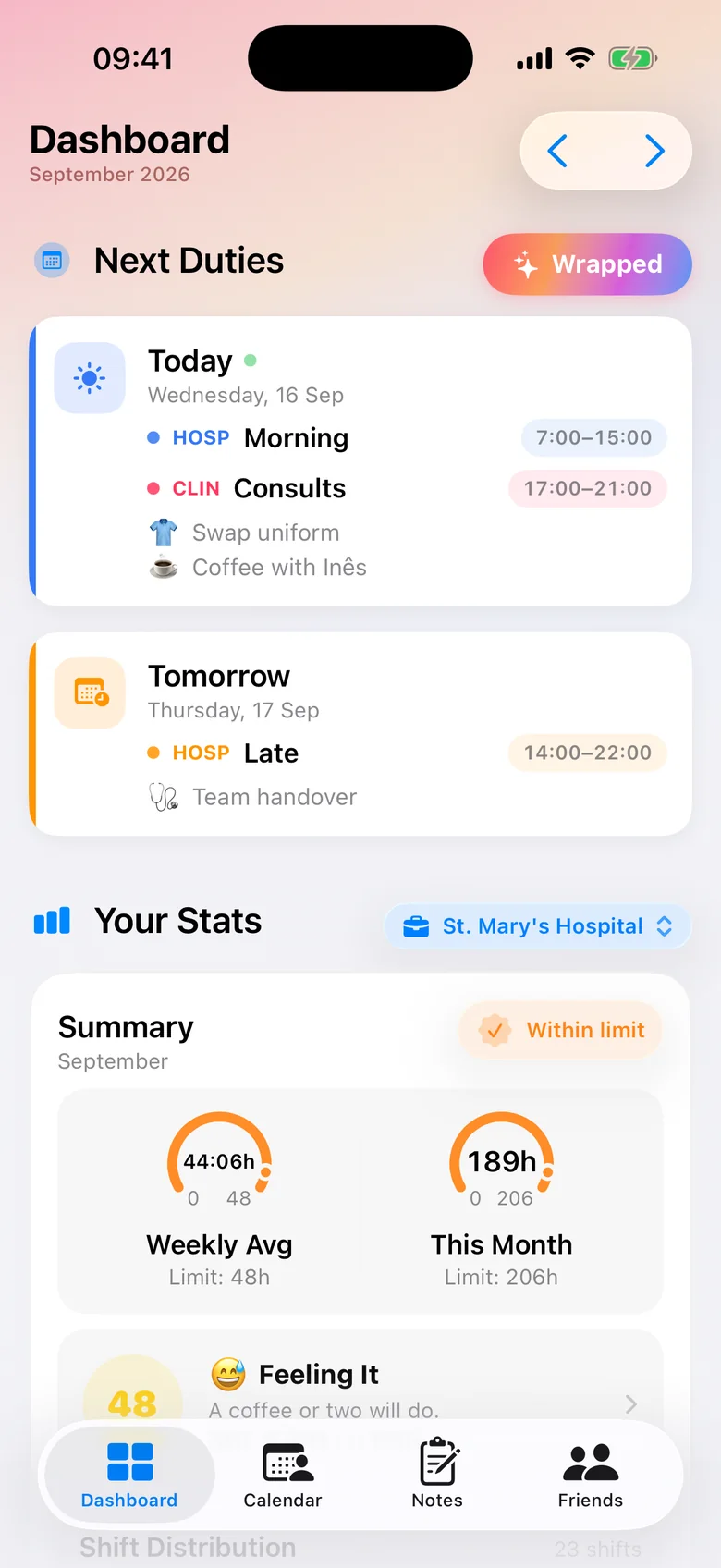
What AfterDuty calculates
Every signal below is worked out from the shifts you enter — their dates and start and end times — and nothing else. AfterDuty checks each month of your rota for four patterns:
Summary
The fatigue and workload card
The dashboard shows whether the month is all clear or needs attention, with the most important signals first:
- Short rest: less than 11 hours between the end of one shift and the start of the next
- Heavy weeks: more hours in any rolling seven days than the weekly limit you set
- Night runs: more than three nights in a row
- Night-to-day switches: a day shift less than 24 hours after a night ends
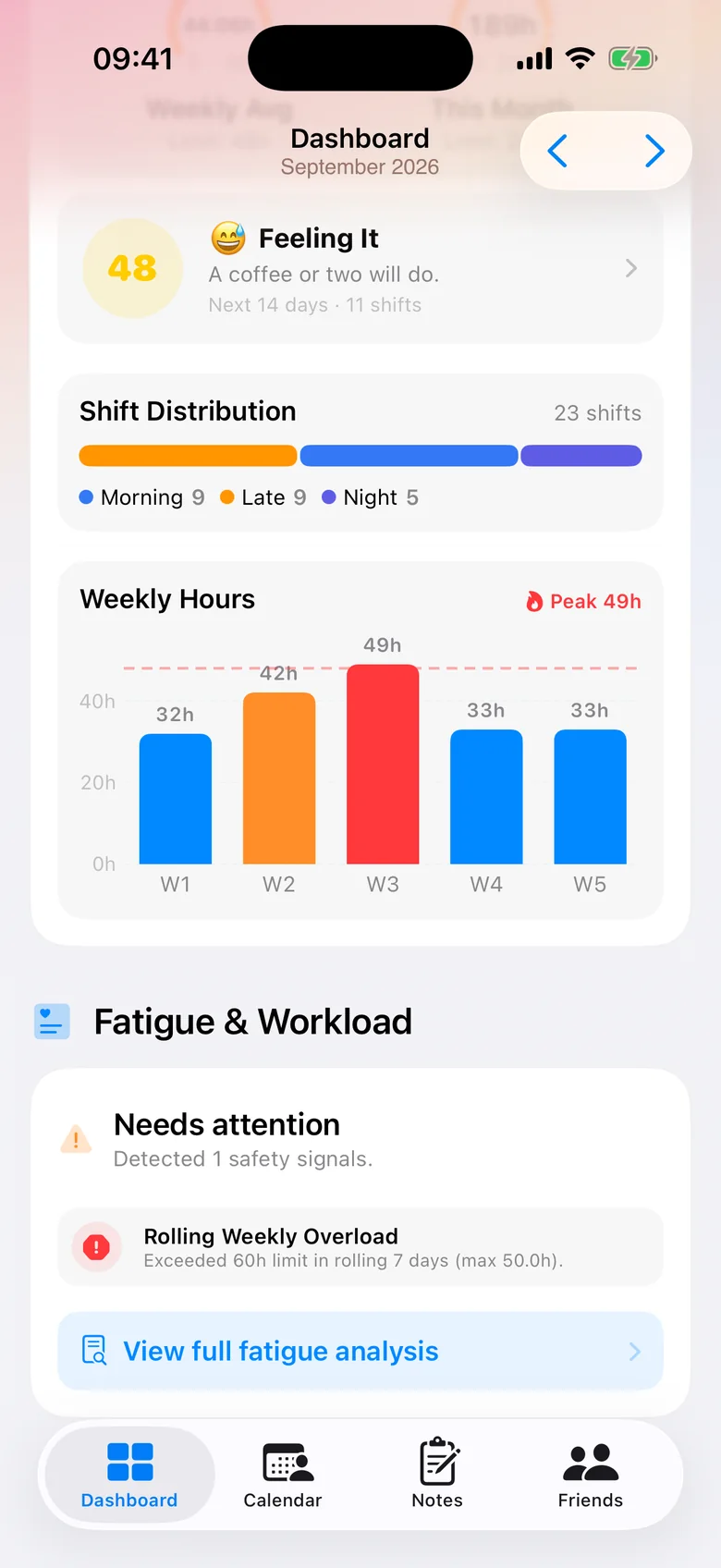
Hours
Your hours, week by week
Weekly and monthly hours are added up for you — per job if you have more than one — next to your shift mix of earlies, lates and nights. A monthly summary notification recaps your hours, shifts and streaks.
Need the rules behind the numbers? For nurses in Portugal, our guides cover rest between shifts and night work.
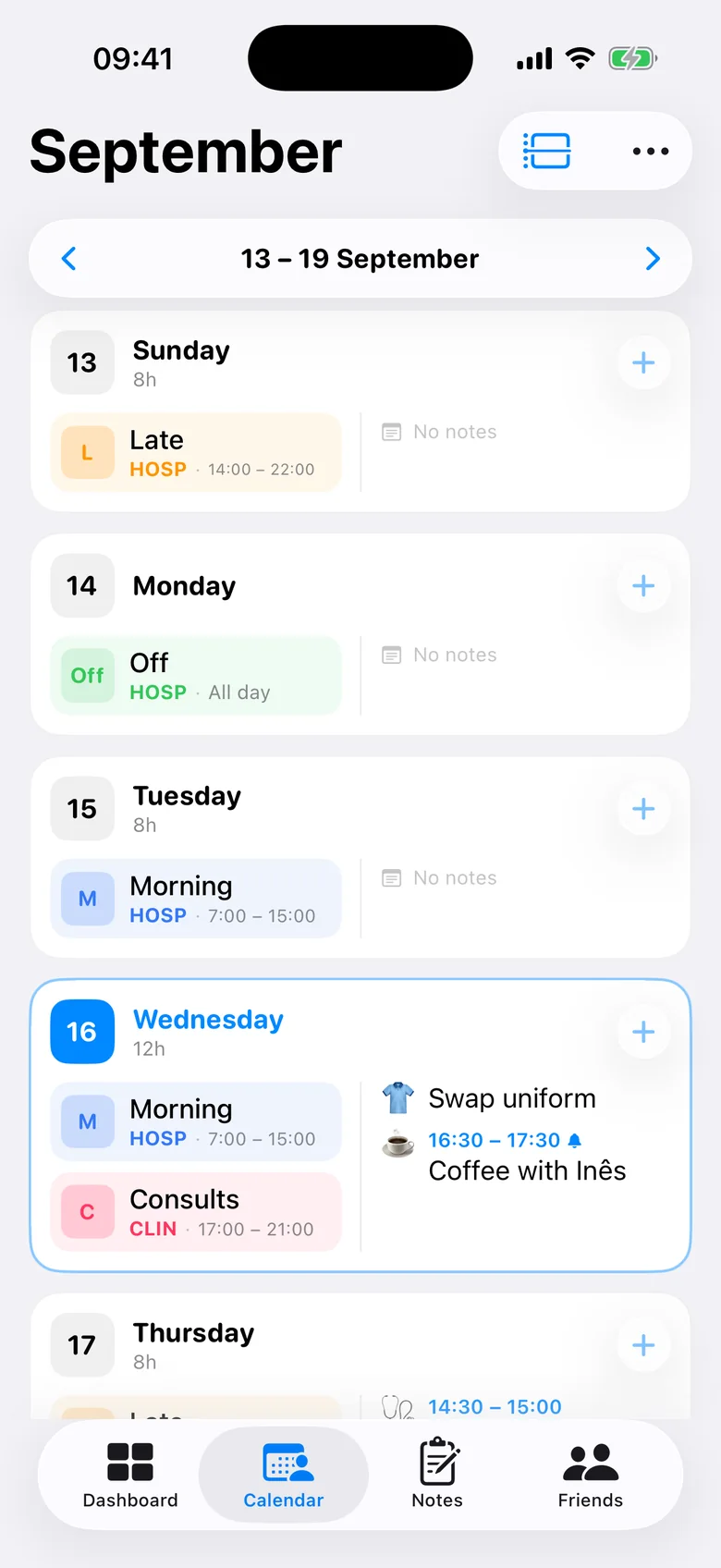
Free and Pro
Free: the summary
The fatigue and workload card with the month’s top signals, plus weekly and monthly hours.
Pro: the full analysis
Every signal explained, with suggestions — add a rest day, start later, move or swap a shift — that you can apply to your rota in one tap.
Private
The analysis runs on your iPhone. Your rota is not sent to us or to anyone else.
About shift work and rest (general information)
The points below come from public guidance and law, not from AfterDuty’s calculations.
- The UK Health and Safety Executive notes that accidents and injuries have been found to be more frequent on night shifts, after long shifts, after a succession of shifts and when breaks are inadequate — and that daytime sleep after nights is often lighter and shorter.
- HSE advises treating fatigue like any other workplace hazard, looking at shift timing and length, the direction of rotation and the breaks during and between shifts.
- EU law and the UK’s Working Time Regulations set a minimum daily rest of 11 consecutive hours and an average limit of 48 working hours a week, with some exceptions and, in the UK, an individual opt-out.
Sources
Frequently asked questions
Does AfterDuty measure my fatigue?
No. It doesn’t measure sleep, tiredness or health. It analyses the pattern of the shifts in your rota and flags arrangements that leave less time to rest, such as short gaps between shifts or long runs of nights.
Which patterns does AfterDuty flag?
Less than 11 hours between shifts, more hours in a rolling seven days than your weekly limit, more than three nights in a row, and a day shift less than 24 hours after a night.
Can I set my own weekly hours limit?
Yes. The weekly hours limit is set in the app, and can be different for each job.
Is the fatigue analysis free?
The fatigue and workload summary is free. The full analysis, with every signal explained and one-tap suggestions for your rota, is part of AfterDuty Pro.
Is my rota shared with my employer or anyone else?
No. There is no account and no tracking. Your rota stays on your iPhone and, if you turn it on, in your own iCloud.