Free tool

Shift pattern generator, month by month.

Pick your rotation, tell it where you are in the cycle today, and see every shift, day off and free weekend for the months ahead. When you want it with you all the time, AfterDuty puts it on your phone in one tap.

Pattern

12-hour shifts on an 8-day cycleReady-made template in AfterDuty

On that day, your cycle is on…

Tap the shift you work on that date.

September 2026

MonTueWedThuFriSatSun

Setting up the calendar…

Take it with you

This rota on your phone, in 30 seconds.

This page shows you the pattern. AfterDuty turns it into your actual rota — and handles everything after that.

  • Lay down months of shifts at once, then swap any day when the rota changes
  • Your next shift on the Home Screen and Lock Screen, without opening the app
  • A reminder before every shift, and when next month’s rota is still empty
  • See when you and your colleagues are off at the same time
Download on theApp StoreFree · No account · No ads
How to put this pattern in AfterDuty

How to put this pattern in AfterDuty

  1. 1

    Open the calendar, tap ••• and choose Rotation Patterns.

  2. 2

    Pick the template (or build yours in the editor) and match it to your own shifts.

  3. 3

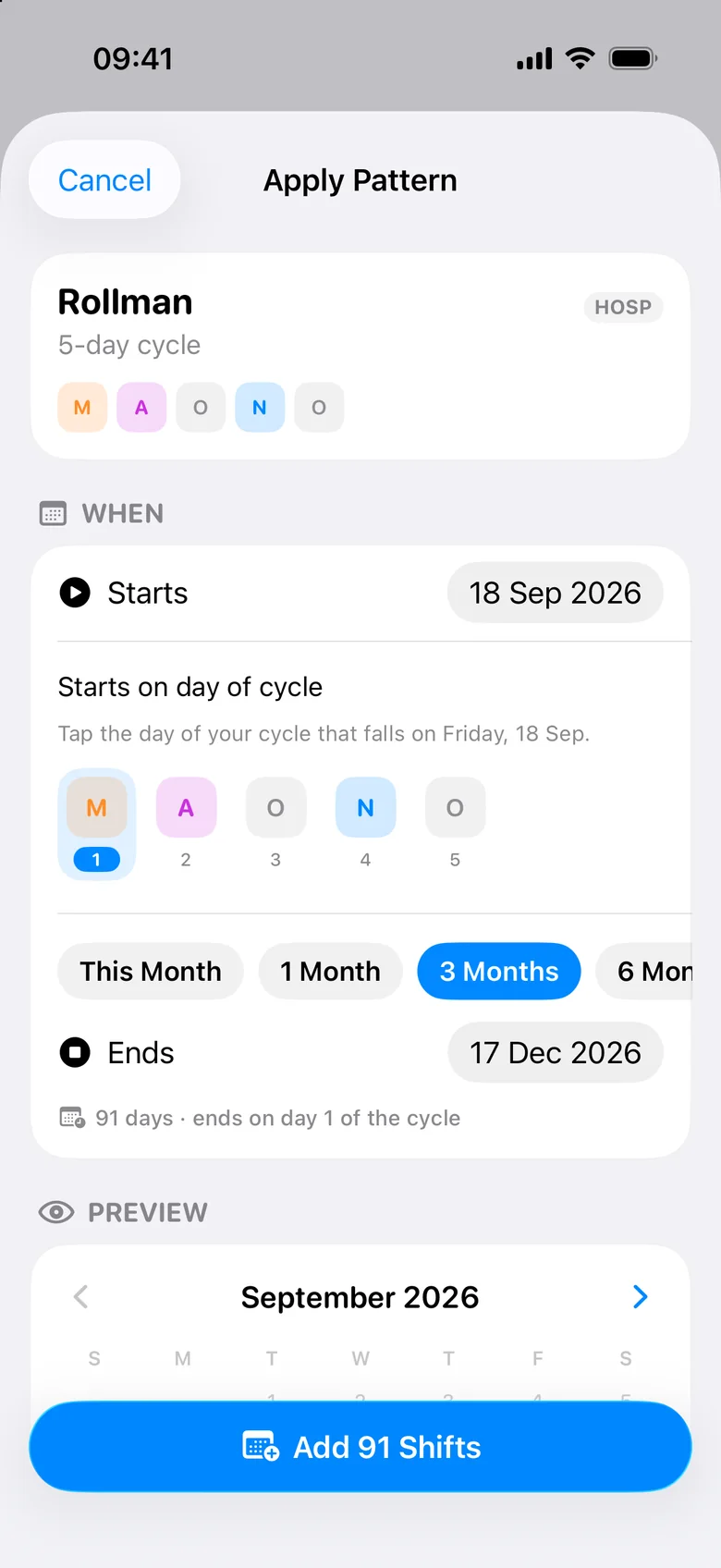
    Tap the day of the cycle you start on and apply anything from one month to a full year.

What is a shift pattern?

A shift pattern is a fixed sequence of shifts and days off that repeats — for example four 12-hour days followed by four days off. Because most cycles are not seven days long, your shifts drift across the week, and working out which weekends you are off quickly becomes guesswork. A generator does the maths: set where you are in the cycle on any date and see the months ahead.

Popular patterns in healthcare

  • 4 on, 4 off: four 12-hour shifts, then four days off, on an 8-day cycle.
  • 2 days, 2 nights, 4 off: two long days, two nights and four days off — common on 24/7 wards.
  • Pitman / Panama 2-2-3: a 14-day cycle of 12-hour shifts with every other weekend off.
  • DuPont: a 28-day cycle that ends with seven days off in a row.
  • Earlies, lates, nights: 8-hour shifts rotating early, late and night, then two days off.
  • Rollman: the standard Portuguese rota — early, late, off, night, off.

Days off after nights

The first day off after a night shift starts when you walk out in the morning — it is really a recovery day. The generator counts those separately from full days off, so you can see how much real time off a pattern gives you.

Questions

How does the shift pattern generator work?

+

Choose a pattern, pick a date you know, and tap the shift you work that day. The generator repeats the cycle forwards and backwards so you can browse any month.

What is a 4 on 4 off shift pattern?

+

Four 12-hour shifts followed by four days off, repeating every eight days. Your working days move forward by one weekday each week.

Can I save or print my rota?

+

Not on this page — it is for seeing the pattern. To keep your rota, get reminders, see your next shift on the Lock Screen and export a PDF, use AfterDuty, free on iPhone.

Can I create my own pattern?

+

Yes. Choose “Build my own” and tap your shifts in order. Any cycle length works.

From pattern to proper rota.

AfterDuty applies your rotation in one tap. It’s free, needs no account and has no ads.